
Employee guide
Everything you need to enter your hours and see your pay in Vigipay. It takes about a minute a day.
1. Log in
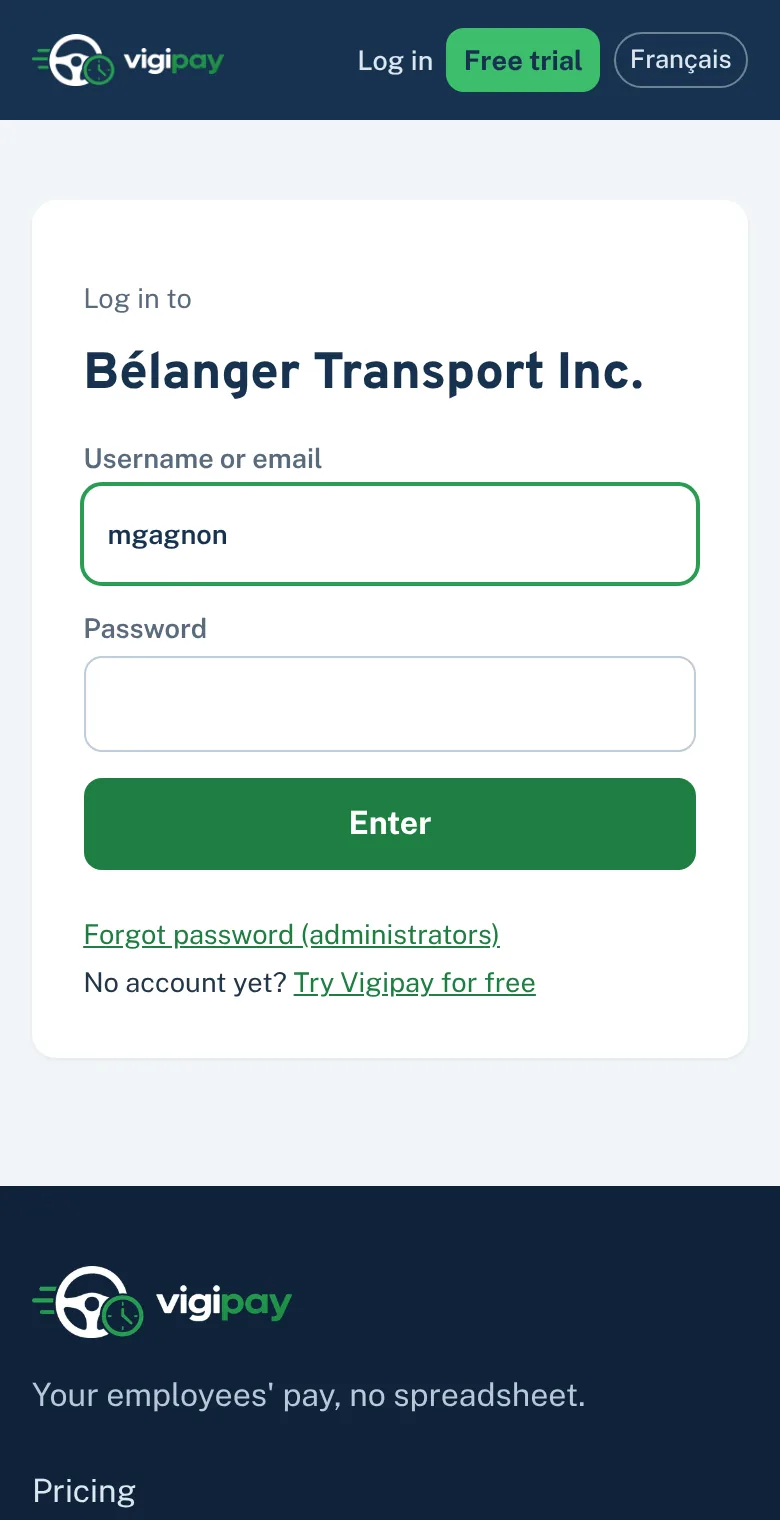
Your employer gives you three things: a link (or a poster with a QR code to scan), your username and your password. Open the link, enter your username and password, then tap “Enter”.
2. Install the app on your phone
Vigipay works in your browser, but you can add it to your home screen to open it like an app. An “Install” banner appears at the top of the page when it's possible.
- iPhone (Safari): tap the Share button (the square with an arrow pointing up), then “Add to Home Screen”.
- Android (Chrome): tap “Install”, or the ⋮ menu then “Install app”.
3. Enter your day
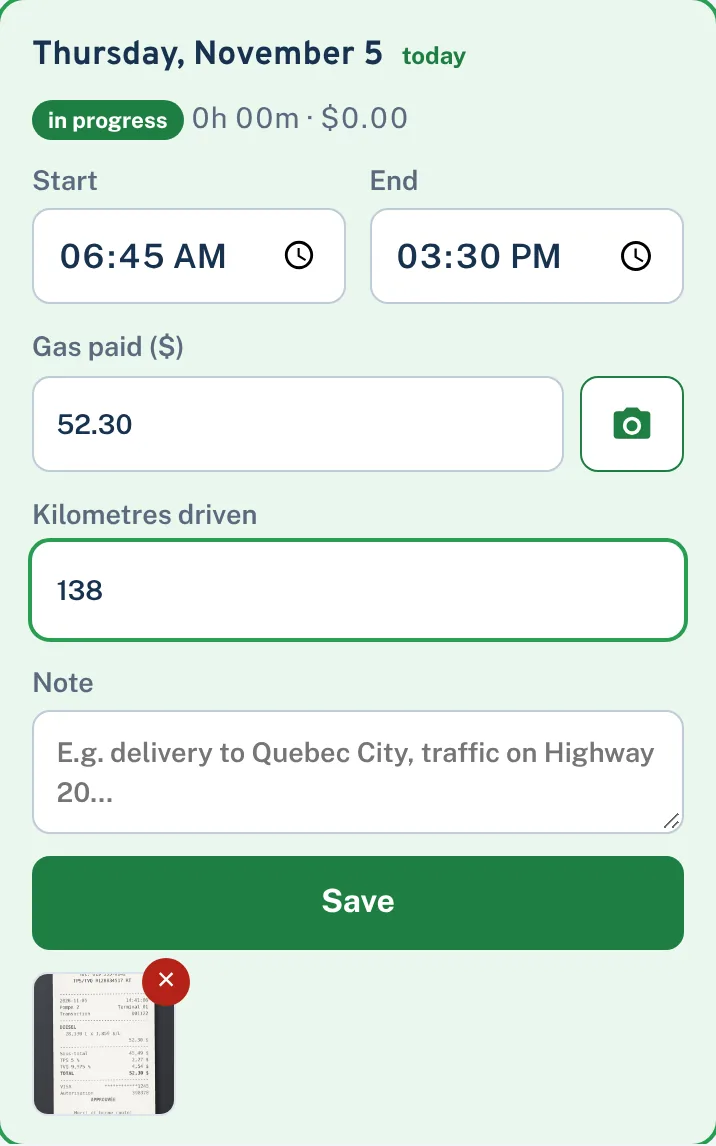
Each day of the current week (Monday through today) has its own card. Enter:
- your start time and end time;
- the gas you paid out of your own pocket, if any;
- the kilometres you drove, if your employer pays a mileage premium (the field only appears in that case);
- a note if it helps (e.g. “delivery to Quebec City, traffic on Highway 20”).
Then tap “Save”. Your hours and the day's amount are calculated automatically. You can come back and edit your day until the week is over.
You can't enter hours in the future. A day in a past week can no longer be edited: ask your employer to correct it.
4. Photograph a gas receipt
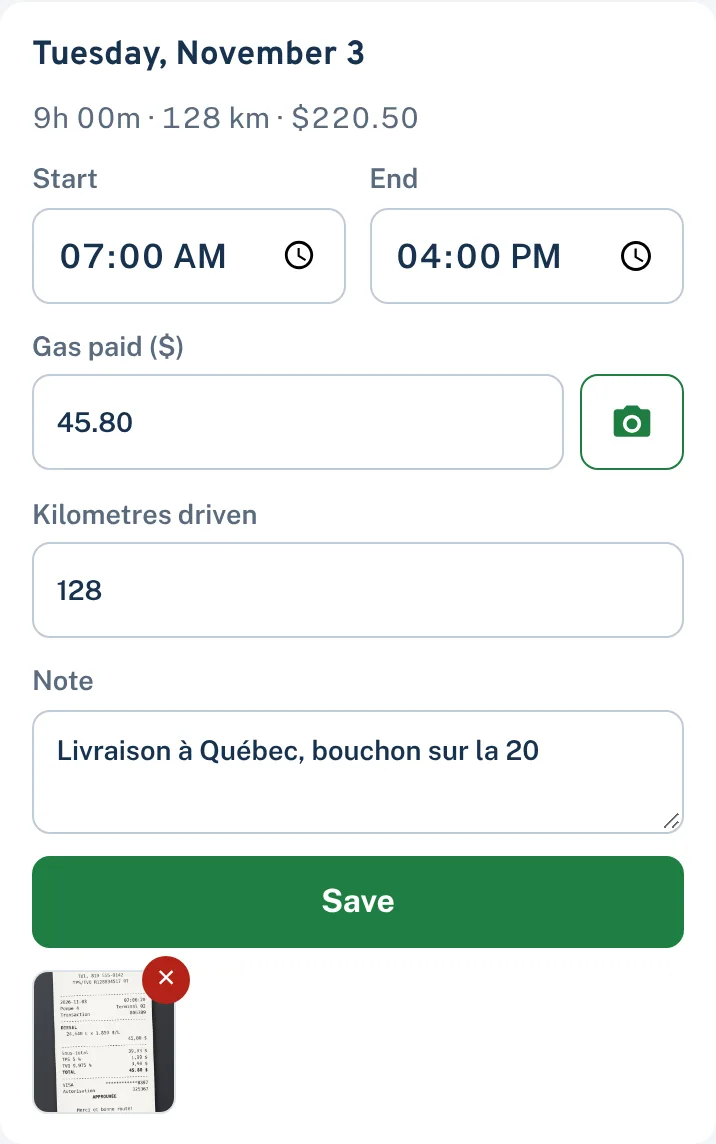
In the day's card, tap the camera icon next to the gas amount, then take a photo of the receipt. The photo is sent right away; you can add up to 10 per day. To remove one, tap the “×” on the thumbnail.
Only you and your employer can see these photos. Keep the receipt readable: flat, well lit, with the total visible.
5. See your week and your pay
At the top of the screen, the week summary shows your hours, your wages, gas and the total. The “Current week” and “Last week” tabs let you compare, and the ‹ › arrows in the date bar take you further back.
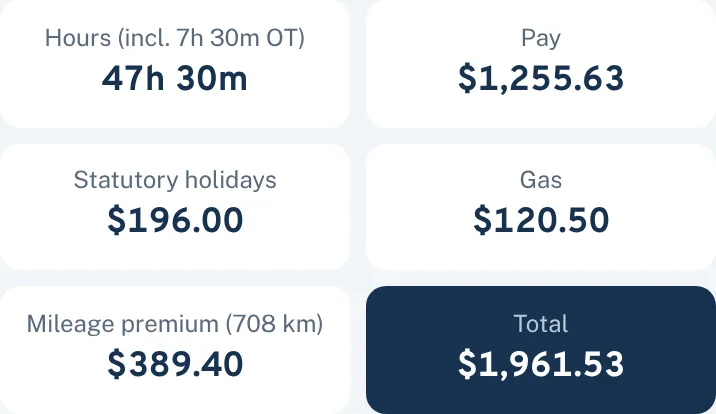
- Wages: your hours × your hourly rate, increased if there is overtime. Holiday pay is added separately.
- Gas: if your employer reimburses gas, it's added to the total. If they provide a fuel card, you'll see “Gas (not reimbursed)”: the amount is still recorded but isn't added.
- Total: what your employer plans to pay you for the week. The final pay calculation (deductions, vacation pay, etc.) is still done by your employer.
6. Holidays and kilometres
Depending on your employer's settings, a few things can be added to your pay:
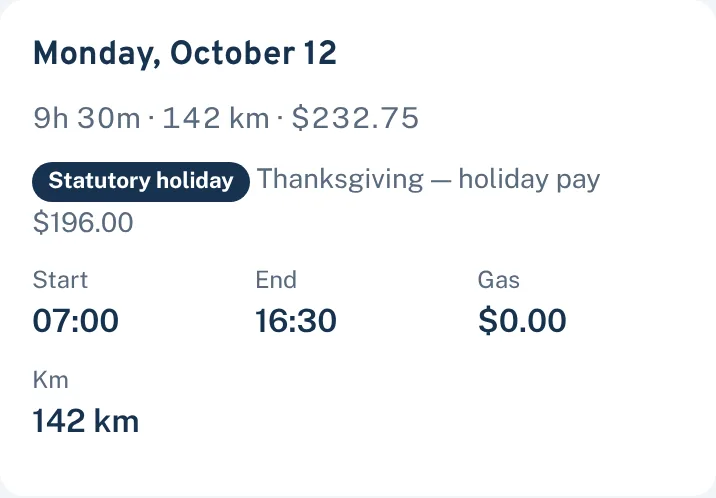
- Statutory holiday: the law gives you holiday pay for each statutory holiday, whether you work or not. It equals 1/20 of the wages you earned during the 4 complete weeks before the week of the holiday, overtime excluded. The holiday shows a “Statutory holiday” badge with the amount, and a “Statutory holidays” total appears in your summary. If you work that day, the holiday pay is added to the wages for your hours.
- Mileage premium: enter your kilometres each day; the premium appears in the summary and is added to the total. The rate per kilometre is the one in force the day you entered the day.
Your employer can remove the pay for a day in some cases the law allows (for example an unauthorized absence the day before or after). To learn more: Éducaloi, Les jours fériés (in French).
7. Having a problem?
- Forgot your password: ask your employer to set a new one for you from your profile.
- A day to fix in a past week: your employer can edit it for you.
- An amount looks wrong: check your hourly rate, shown under the week summary, and talk to your employer.